


Mobile Design
SiteLens AR
Mobile Design
Health Tech
Artificial Intelligence
How might we?
empower inspectors and project managers to streamline on-site construction inspections by overlaying dynamic checklists, contextual data, and real-time collaboration tools through AR glasses, while reducing costs and ensuring compliance?
Goals
Streamline inspection flows
Improve data and accuracy
Reduce costs and increase efficiency
Enhance collaboration and compliance
Future-proof AI + AR
Research & Discovery
Conducted competitive audits of existing construction inspection apps and AR-enabled field tools.
Interviewed inspectors, project managers, and engineers across trades to uncover pain points in workflows, checklists, and reporting.
Identified high-need use cases: role-specific inspection checklists, before/after comparisons, and cost verification workflows.
Literature Review
Reviewed academic and industry sources on AR in construction, wearable-assisted inspections, and spatial computing.
Explored challenges in data compliance, law/recall notifications, and construction order finalization.
Identified trust, accuracy, and real-time collaboration as essential UX considerations, beyond hardware specs.
Used findings to inform principles for checklist design, visual layering, and mobile–AR integration.
Stakeholder Interviews
Conducted interviews to gather insights from users and stakeholders (implied by mention of stakeholder interviews).
Used insights to shape inspection templates, room-based checklists, and tailored dashboards.
Captured requirements for role-specific “ingredient lists” (e.g., scanner, notes, tape measure).
Helped refine the goals of cost reduction, accuracy, and real-time updates across multiple contractors.
Usability Evaluations
Tested prototypes with users to assess emotional support, clarity, and personalization.
Gathered feedback on AR checklist readability, voice/gesture commands, and navigation triggers.
Measured efficiency: time saved compared to manual inspections and paper-based workflows.
Used findings to refine visual hierarchy, session summaries, and integration with maps + reminders.
Design & Prototyping
Developed low- and high-fidelity prototypes for mobile and AR glasses.
Designed a modular UI system for uploading inspection checklists, attaching before/after photos, and role-based task lists.
Prototyped AR overlays including:
Room-wise task lists
Video-assisted inspection references
Law/recall notifications
Cost/order verification prompts
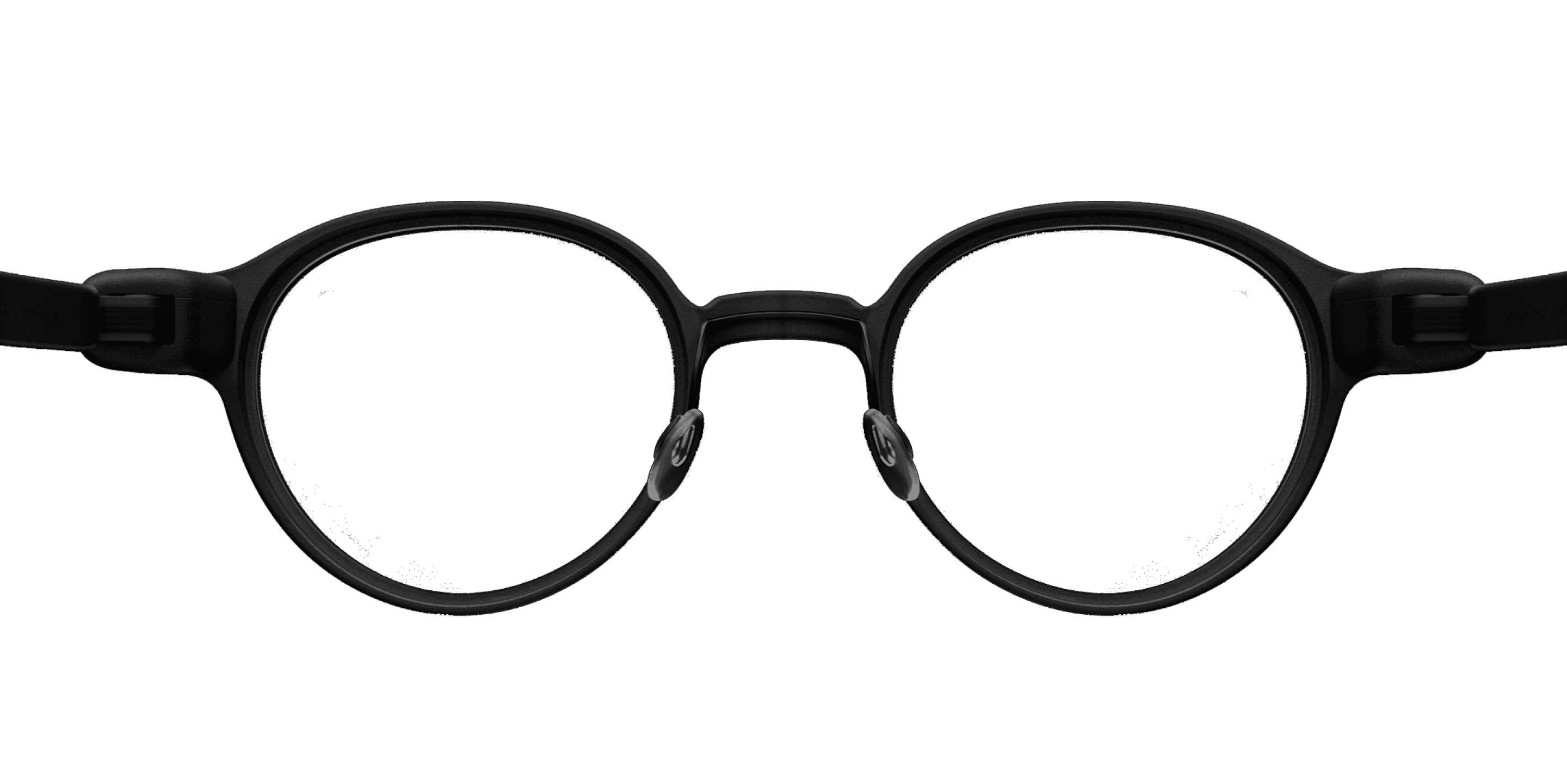
Created interactive flows simulating site inspections with Even Realities G1 glasses.
Iterated prototypes with stakeholders for validation and alignment with real-world workflows.
Home Screen
Features
Dashboard Banner: Displays AR-driven task information (to-do list, floor plan, live inspection data).
AI Status Module (Omni-AI, Excellent): Real-time system feedback on inspection/AI status.
Active Apps Section: Toggle control for apps in use (To-Do List, Map).
Inactive Apps Section: Secondary options (Translate, Camera) to activate as needed.
Suggested Apps: Personalized extension discovery with one-tap install (App Store style).
Top Navigation: User/account access via profile + notifications.


Home Screen
Instant Clarity + Ease of Use
Content-centric: Prioritizes large thumbnails so users can browse visually, reducing cognitive load.
Simplicity + Familiarity: Mirrors social apps (Instagram Explore, YouTube library), making it intuitive.
Scalable: Grid layout supports expansion to more media types (photos, 360 images, AR models).
Contribution-first: The purple upload CTA signals active participation, not just passive browsing.
